
GeoTest
Product updateVideo guides

New: learn GeoTest in three short videos

· October 27, 2026 · ◷ 3 min read · Updated October 29, 2026

GeoTest now has three short video guides that take you from your first free scan to a site that stays ready for AI search. They run about 8 minutes in all, they play one after the other, and they are live at geotest.ai/videos. New accounts get them right on the dashboard.

Nobody reads the manual. We know, because we wrote one and watched people skip it. So we did what any sensible software company does when people skip the manual: we made the manual talk. Three videos, about eight minutes, roughly one cup of coffee. No webinar, no 40-slide deck, no "let me share my screen... can everyone see my screen?"

What are the GeoTest video guides?

The GeoTest video guides are a set of three short screen walkthroughs, each built around one job you will actually do in GeoTest. Each video opens with what you are about to learn, shows it happening on a real report, and ends by pointing you at the next video.

  • Getting started (2:53). Run a free Quick Scan, read your GEO Score and grade, see your biggest fixes, create a free account so the scan stays yours, and find your way around the dashboard.
  • Your full report and your fixes (3:15). What every tab of the full report tells you, how a written fix works on a paid plan, writing FAQs with matching schema in Tools, and testing what ChatGPT, Perplexity and Gemini say about your business.
  • Keep your site AI-ready (1:57). Tick off the fixes you have made, re-scan the whole site after a change, read your score history, and re-run the AI answers test each month. In short: score it, fix it, prove it.

The AI answers test in video 2 asks the engines about your business directly, and ChatGPT and Perplexity each document how they find the pages they cite. OpenAI's crawler documentation says “OAI-SearchBot is used to surface websites in search results in ChatGPT's search features”, and Perplexity's bot guide says that “PerplexityBot is designed to surface and link websites in search results on Perplexity.” The FAQ tool in the same video writes schema to match your questions, and Google's structured data guide says “Structured data is a standardized format for providing information about a page and classifying the page content.”
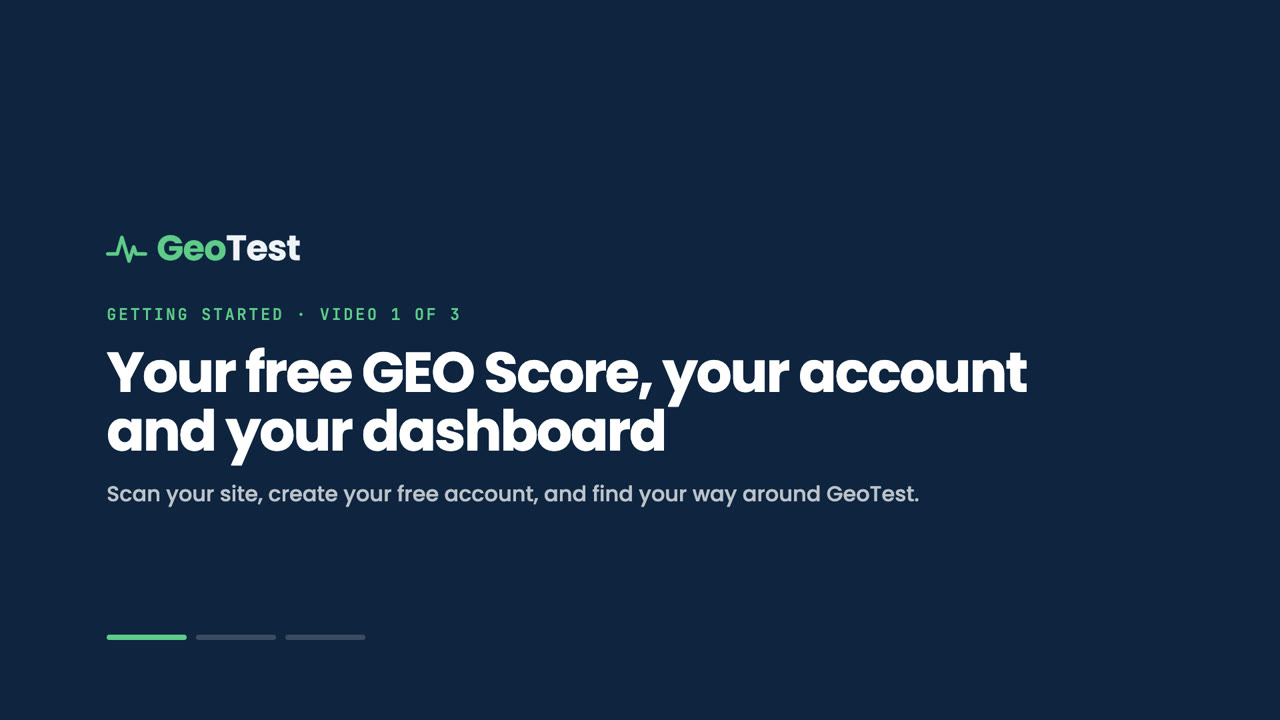
Opening frame of the GeoTest video guide Getting started with GeoTest
Video 1 starts with a free scan and ends in your dashboard. Click to watch.

Who are the videos for?

The videos are for anyone opening GeoTest for the first time: a business owner who just saw their score and wants to know what it means, a marketer who has to explain it to a boss on Monday, or an agency about to show it to a client. You do not need to know what GEO stands for before you press play. GEO means Generative Engine Optimization: making your pages easy for AI search to find, quote and cite. (See, you are already ahead.)

Where can I watch them?

Two places let you watch the GeoTest video guides:

  • The video library at geotest.ai/videos. The video library is the one page that holds all three guides, each with a short summary and the full transcript underneath, for anyone who reads faster than they watch. Pick any video from the list, or press play on the first and let them run.
  • Your new account. Sign up after your first scan and the welcome panel on your dashboard opens with video 1 ready to go. Videos 2 and 3 follow on their own, and the full library is one click away under Resources.

You can link straight to one video, too: #getting-started, #full-report-and-fixes and #keep-your-site-ai-ready. Handy when a teammate asks "so what does this tool actually do?" and you would rather not explain it twice.

Why did we make videos instead of more help pages?

Videos do this job better than more help pages because the hardest part of GeoTest is not any one feature. It is knowing what to do next. A score of 52 is a number; a score of 52 plus "fix these three things first, here is the text, paste it here" is a plan. Watching someone go from scan to fix to re-scan shows that plan faster than any help page we could write. The help pages are not going anywhere. They just have company now.

What else shipped this week?

Four fixes also shipped this week, each made the same day we found it:

  • Re-scans read your live site. Every scan now crawls your pages fresh, so a fix you published five minutes ago shows up in your next score.
  • Small sites get a whole-site score. Sites with fewer than 10 pages are scored when the scan reaches nearly every page, instead of being turned away.
  • Clearer scan status. A whole-site scan that cannot reach enough pages now says Not scored, instead of showing Running forever.
  • No false failures on the AI citation test. A long test now waits for its result instead of flashing an error while it is still finishing.

Every release, new features and bug fixes alike, is on the changelog.

Try it on your own site

The best way to watch video 1 is with your own site's score open in the next tab. The first scan is free, takes about 15 seconds, and needs no card. Scan your site, then press play.

Frequently asked questions

Short answers to common questions about the topics in this post.

How long are the GeoTest video guides?

The GeoTest video guides run about 8 minutes in all: Getting started is 2:53, Your full report and your fixes is 3:15, and Keep your site AI-ready is 1:57. They play one after the other.

Do I need an account to watch the videos?

No, you do not need an account to watch the videos. Anyone can watch them at geotest.ai/videos, and new accounts also see them in the welcome panel on their first dashboard visit.

Do the videos have captions or transcripts?

Yes, every video has English captions you can switch on in the player, and the full transcript is on the page under each video.

Which video should I watch first?

The first video to watch is Getting started. It runs a free scan, explains the score and shows the dashboard, then hands off to the full report and the re-scan videos.

Quick answers on this topic

All answers →
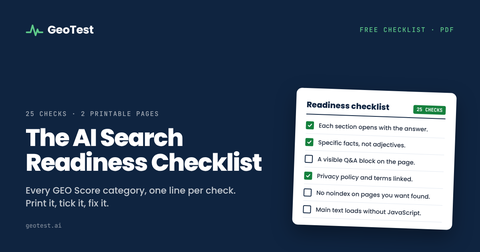
Cover of the AI Search Readiness Checklist
Free download · Checklist · PDF
AI Search Readiness Checklist

The checks an answer engine runs before it cites a page, as a list you can work through on your own site.

The GEO Report

The GEO Report. Weekly: what changed in AI search and what to fix. Written by Jason Gordon.

One email a week. Unsubscribe any time.

Get the fix for your page

Your GEO Score in 15 seconds, every issue priced in points. Paid plans write the fix from your own content. No signup to scan.

AI search in figures

These AI search figures show how fast answers are replacing clicks, and each one is dated and sourced. Generative Engine Optimization (GEO) is a method for structuring a website so AI answer engines can read, trust and cite it. A citation is defined as a link to your page inside an AI answer, and the GEO Score refers to a 0 to 100 rating of how ready a page is to earn one. These published figures show why it matters; the reasoning behind every weight is in the methodology.

How much do AI summaries reduce clicks?

AI summaries cut clicks by about half: Pew Research Center found searchers clicked a result 8% of the time when an AI summary appeared, versus 15% without one, a 47% drop (July 2025).

How common are zero-click searches in 2025?

Zero-click searches rose from 56% to 69% between May 2024 and May 2025, and 83% of searches end without a click when AI Overviews show, according to Similarweb (2025).

What share of websites are ready for AI search?

Very few websites are ready: only 2% of the 537 sites in the GeoTest benchmark scored 80 or more in September 2026, and the median score was 47. Those scores came from the rubrics in use before GEO v6.0.

How much search traffic are publishers losing?

Publishers are losing about a third of their Google referrals: across 2,500+ publisher websites, Google search referral traffic was down 33% globally and 38% in the US year over year as of early 2026 (Chartbeat).

How many buyers research with AI chatbots in 2026?

71% of B2B software buyers rely on AI chatbots for software research (G2, 2026), which is why being cited matters as much as ranking. See what GEO is.

FindingFigureSourceDate
Searchers who click a result when an AI summary appears8%, versus 15% without one (a 47% drop)Pew Research CenterJuly 2025
Zero-click searches, May 2024 to May 202556% rising to 69%Similarweb2025
Searches ending without a click when AI Overviews show83%, and 93% in AI ModeSimilarweb2025
Google referral traffic to 2,500+ publishers, year over yeardown 33% globally, 38% in the USChartbeatearly 2026
B2B software buyers relying on AI chatbots for software research71%G2, The Answer EconomyMarch 2026
Visibility lift from adding attributed quotations to a page41%GEO study (Aggarwal et al.)2023
Sites in the GeoTest benchmark scoring 80 or more, scored under the rubrics in use before GEO v6.02% of 537 sitesGeoTest benchmarkSeptember 2026

Find GeoTest on

  • Featured on Altern
  • Featured on Aura++
  • Better Launch
  • GeoTest on DodoLaunch
  • Fazier badge
  • Featured on FoundrList
  • Featured on Launch
  • GeoTest on Nick Launches
  • GeoTest, featured on Smol Launch
  • GeoTest - Featured on Startup Fame
  • Launched on StartupBase
  • Featured on Twelve Tools